
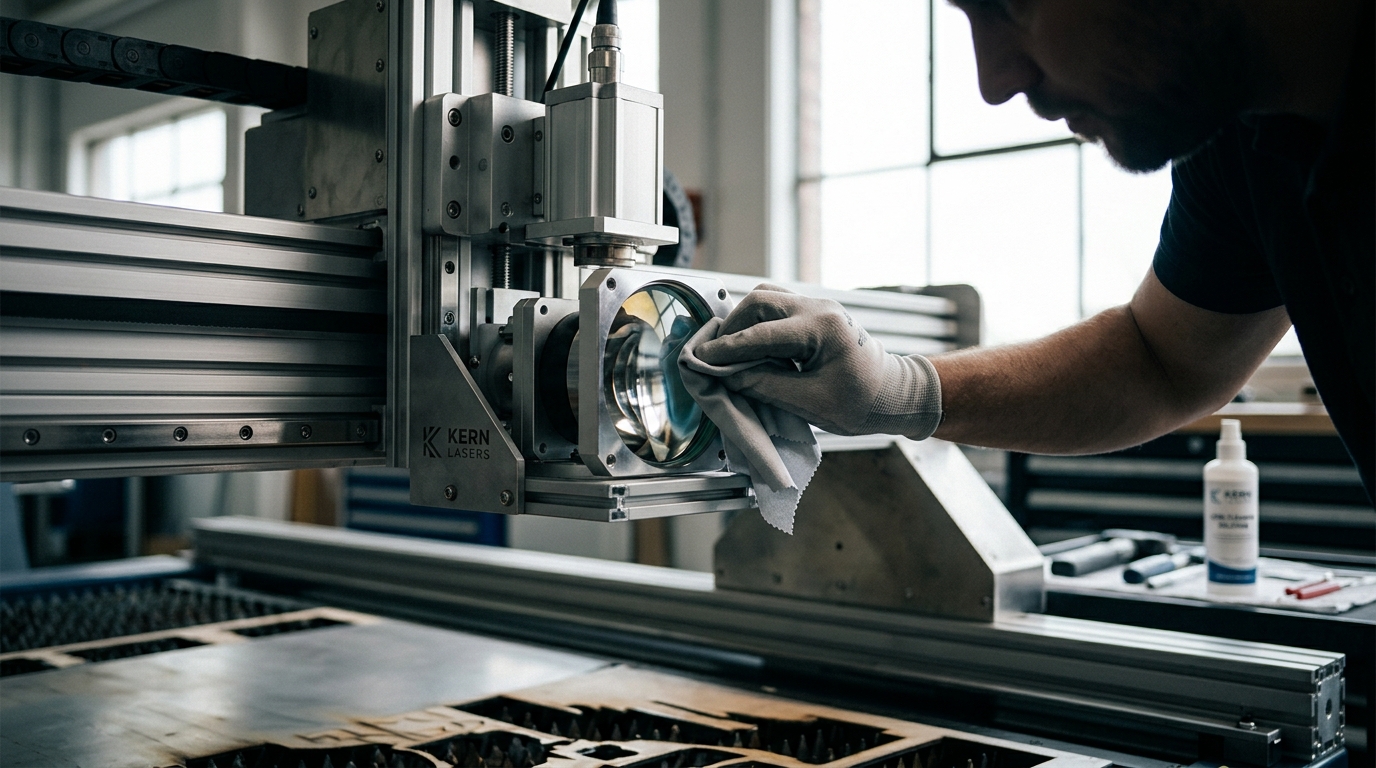
How Often Should You Clean the Optics on Your Laser Cutter?
Optical cleaning frequency depends on material type, usage hours, and environmental dust levels. For most industrial CO2 and fiber laser systems, inspecting and cleaning optics daily or after every 8 to 12 hours of operation is the standard best practice. Consistent maintenance prevents beam degradation, protects expensive lenses, and ensures cut quality remains consistent across production runs.
Why Optics Matter for Laser Performance
Laser optics are the critical components that focus the high-energy beam onto the material. A laser optic is a precision glass or crystal element that directs and concentrates the laser beam to a focal point. When these components accumulate dust, smoke, or residue, the beam scatters, reducing power and causing inconsistent cuts. This degradation often goes unnoticed until cut quality visibly drops or the machine fails to pierce through material.
At Kern Laser Systems, we emphasize that optical health is directly tied to machine longevity. A dirty lens does not just affect the current job; it can cause thermal stress that cracks the optic over time. Understanding the role of these components helps operators prioritize maintenance schedules that protect their investment.
Recommended Cleaning Frequency by Usage
The ideal cleaning schedule is not one-size-fits-all. It is driven by the volume of material processed and the specific types of substrates used. For high-volume production environments, a daily cleaning routine is essential. For lower-volume shops, cleaning every 2 to 3 days may suffice, provided the environment is controlled.
Consider the following usage scenarios to determine your schedule:
- High-Volume Production: Clean and inspect optics daily. This is standard for shops running 8+ hours per day on materials like acrylic or wood.
- Mixed Material Processing: Clean after switching between materials that produce heavy smoke, such as moving from wood to metal or coated plastics.
- Low-Volume or Hobbyist Use: Inspect weekly and clean as needed. Even light use can accumulate residue on the focusing lens.
The Kern Laser Systems lineup, including the OptiFlex and LaserCELL, is designed with accessibility in mind to make these routine checks quick and safe for operators.
How Material Type Affects Cleaning Needs
Different materials release different types of particulates and gases during laser processing. These byproducts settle on the optics and affect cleaning frequency. For example, cutting acrylic produces a clean, flame-polished edge but can leave a fine, sticky residue on the lens. Wood, on the other hand, generates significant smoke and ash that can coat optics more aggressively.
When processing acrylic, operators should pay close attention to the focusing lens. The heat generated can cause the acrylic to melt and re-solidify on the optic surface. This requires a gentle but thorough cleaning to prevent permanent damage. In contrast, metal cutting with fiber lasers often requires less frequent cleaning of the focusing lens but demands strict attention to the protective cover lens, which is a sacrificial component designed to absorb debris.
Understanding the specific byproducts of your primary materials allows you to tailor your maintenance routine. If you primarily process wood, expect to clean more often than a shop focused solely on metal fabrication.
Safety Protocols for Optical Maintenance
Cleaning laser optics is a safety-critical task. A laser safety protocol is a set of procedures designed to prevent injury and equipment damage during maintenance. Before touching any optic, the laser must be completely powered down and the key removed. Operators must wear appropriate laser safety glasses rated for the specific wavelength of the machine.
Kern Laser Systems provides comprehensive laser safety training and documentation to ensure operators understand these risks. The enclosed LaserCELL and FiberCELL models are Class 2 machines, which offer inherent safety advantages, but internal optics still require careful handling. Never use compressed air to clean optics, as the pressure can crack the lens. Instead, use a lint-free swab and a specialized optical cleaning solution.
Proper safety protocols not only protect the operator but also ensure that the cleaning process does not introduce new contaminants or physical damage to the precision components.
Signs That Your Optics Need Cleaning
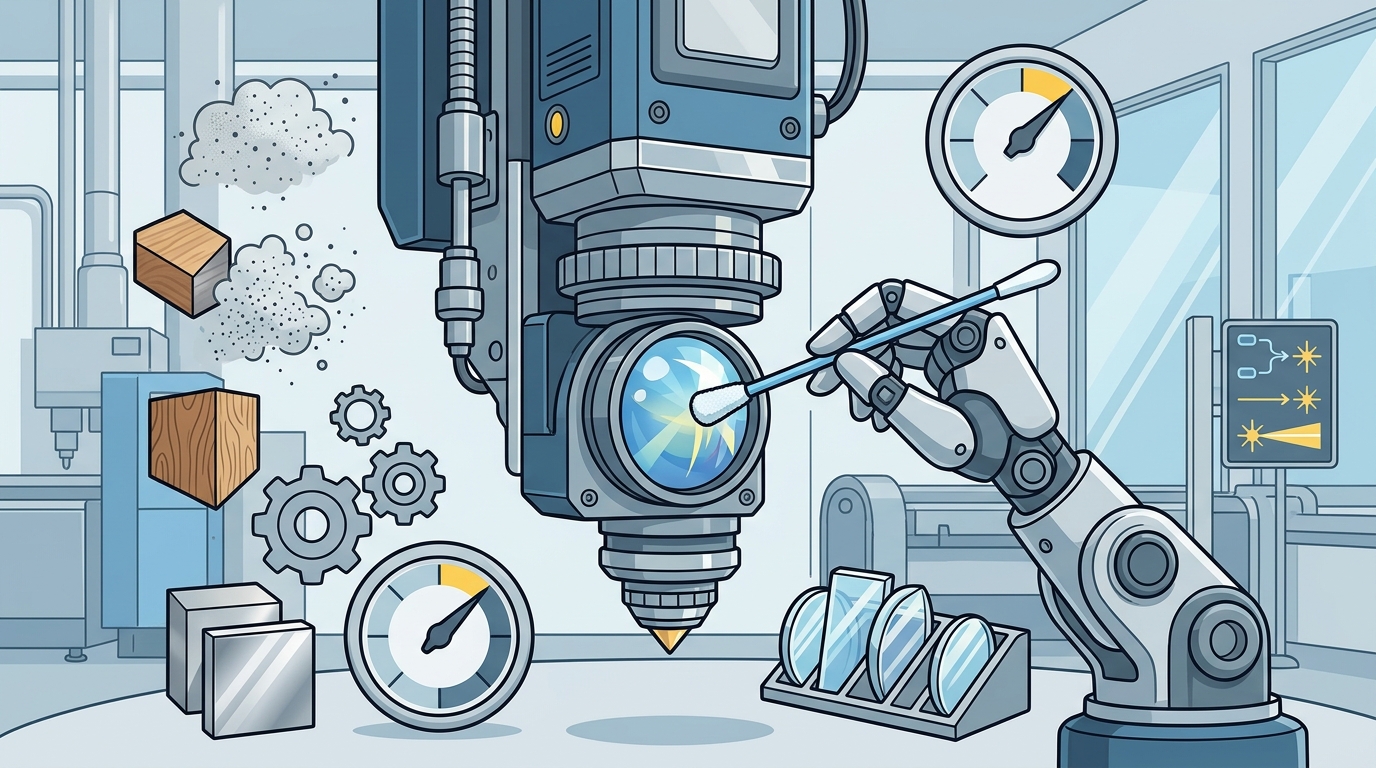
Operators should not wait for a scheduled cleaning if they notice specific warning signs. A drop in cut quality is the most common indicator. If the laser is struggling to pierce through material or the cut edge appears rough and uneven, the optics likely need attention. Another sign is a change in the laser's behavior, such as unexpected power fluctuations or error messages related to beam alignment.
Visual inspection is the first step. Using a magnifying glass, check the focusing lens and protective cover lens for any visible dust, smoke, or residue. If you see any contamination, clean the optic immediately. The metal cutting systems from Kern feature automatic focusing height followers, which can help maintain focus, but they cannot compensate for a dirty lens.
Regular visual checks and awareness of performance changes allow operators to catch issues before they lead to equipment failure or poor-quality output.
Key Takeaways
- Clean and inspect optics daily for high-volume production or after 8-12 hours of use.
- Material type significantly impacts cleaning frequency; wood and coated plastics require more frequent attention.
- Always follow strict safety protocols, including power-down and proper PPE, before cleaning.
- Use only lint-free swabs and specialized optical cleaning solutions; never use compressed air.
- Monitor cut quality and laser behavior for early signs of optic contamination.
- Protective cover lenses are sacrificial and should be inspected and replaced as needed.
Frequently Asked Questions
How often should I clean the focusing lens on a CO2 laser?
For CO2 lasers, it is recommended to inspect the focusing lens daily and clean it whenever visible residue is present. In high-volume environments, this may mean cleaning after every shift.
Can I use compressed air to clean laser optics?
No. Compressed air can exert enough pressure to crack or shatter the precision glass of the focusing lens. Always use a lint-free swab and a gentle, specialized cleaning solution.
What is the difference between a focusing lens and a protective cover lens?
The focusing lens is the primary optic that concentrates the beam. The protective cover lens is a sacrificial component placed in front of the focusing lens to absorb debris and reflected energy, protecting the more expensive focusing lens.
How do I know if my optics are dirty?
Look for a drop in cut quality, rough edges, or difficulty piercing material. You can also perform a visual inspection using a magnifying glass to check for dust or residue.
Does the type of material affect how often I need to clean?
Yes. Materials like wood and coated plastics produce more smoke and residue, requiring more frequent cleaning. Metals generally produce less residue on the focusing lens but may require more attention to the protective cover lens.
Where can I find cleaning supplies for my Kern laser?
Kern Laser Systems provides specific recommendations for cleaning supplies and procedures in their technical support documentation. You can access these resources through the technical support page.
Maintaining Peak Performance
Consistent optical cleaning is a simple yet critical task that protects your investment and ensures high-quality output. By understanding the specific needs of your materials and following strict safety protocols, you can extend the life of your laser optics and maintain reliable performance. For more detailed guidance on maintaining your equipment, explore the laser engraving and cutting resources available from Kern Laser Systems.