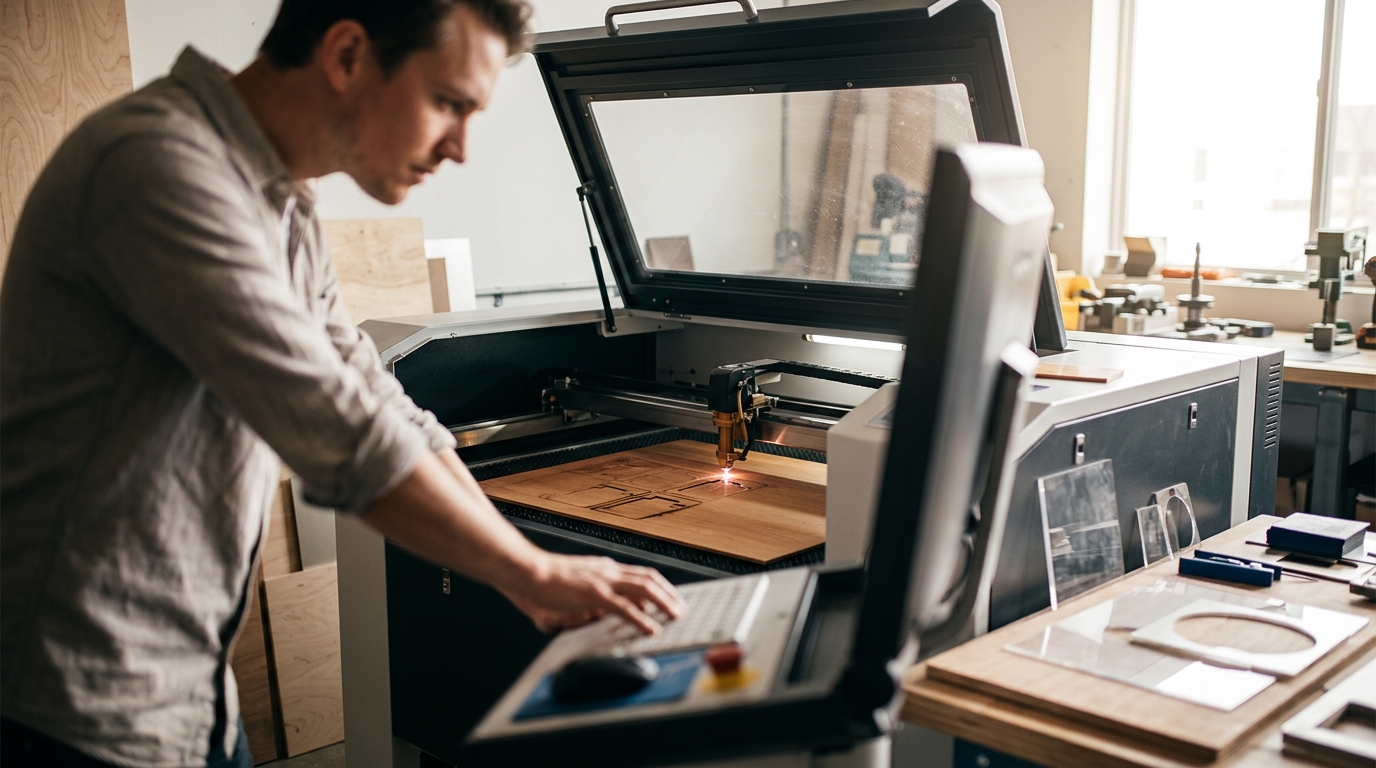
Entering the world of precision manufacturing can feel overwhelming, but modern technology has democratized access to professional-grade tools. According to recent industry data, the global laser cutting market is projected to grow at a compound annual growth rate of over 10% through 2030, driven largely by small and medium-sized enterprises adopting automated fabrication methods. This surge means that beginners now have more accessible entry points than ever before. The key to success lies not just in buying a machine, but in selecting the right tool that balances capability with ease of use.
Understanding Laser Types for Novices
Before investing capital, it is crucial to understand the fundamental differences between laser technologies. For beginners, the choice usually comes down to two primary categories: CO2 lasers and fiber lasers. Each serves distinct purposes and material requirements.
CO2 Lasers: The Versatile Standard
A CO2 laser uses a mixture of gases to generate a beam that is ideal for non-metallic materials. CO2 laser technology is a method of generating light through electrical excitation of carbon dioxide gas. This makes it the go-to choice for cutting acrylic, wood, leather, and fabric. For a beginner looking to create signage, awards, or custom home decor, a CO2 system offers the most flexibility. The beam quality is excellent for intricate details, and the cost of operation is generally lower than fiber systems for these specific materials.
Fiber Lasers: The Metal Specialist
Fiber lasers, on the other hand, use a solid-state gain medium. Fiber laser cutting is a process that utilizes a high-power fiber laser to melt and vaporize metal. These machines are incredibly efficient for cutting steel, aluminum, and brass. However, they are generally not suitable for wood or acrylic. If your manufacturing goal is purely metallic, a fiber laser is the superior choice. For beginners, starting with a CO2 laser is often recommended because the learning curve for material handling is slightly less steep than dealing with reflective metals.
Safety First: Essential Protocols
Safety is the most critical aspect of laser manufacturing. High-powered beams can cause permanent eye damage and start fires if not managed correctly. Industry standards dictate that all laser operators must wear appropriate protective eyewear rated for the specific wavelength of the machine.
According to safety reports from the National Institute for Occupational Safety and Health, proper ventilation is required to remove toxic fumes generated during the cutting process. This is particularly true when cutting plastics or treated woods. Beginners must ensure their workspace has an exhaust system that vents outside or uses high-grade filtration units.
Additionally, fire suppression systems should be integrated into the workflow. Many modern machines, such as those found in professional laser cutting environments, come with built-in air assist and automatic power-down features that trigger when the laser head detects excessive heat or flame. Always consult the about Kern Lasers page for detailed safety guidelines specific to their equipment.
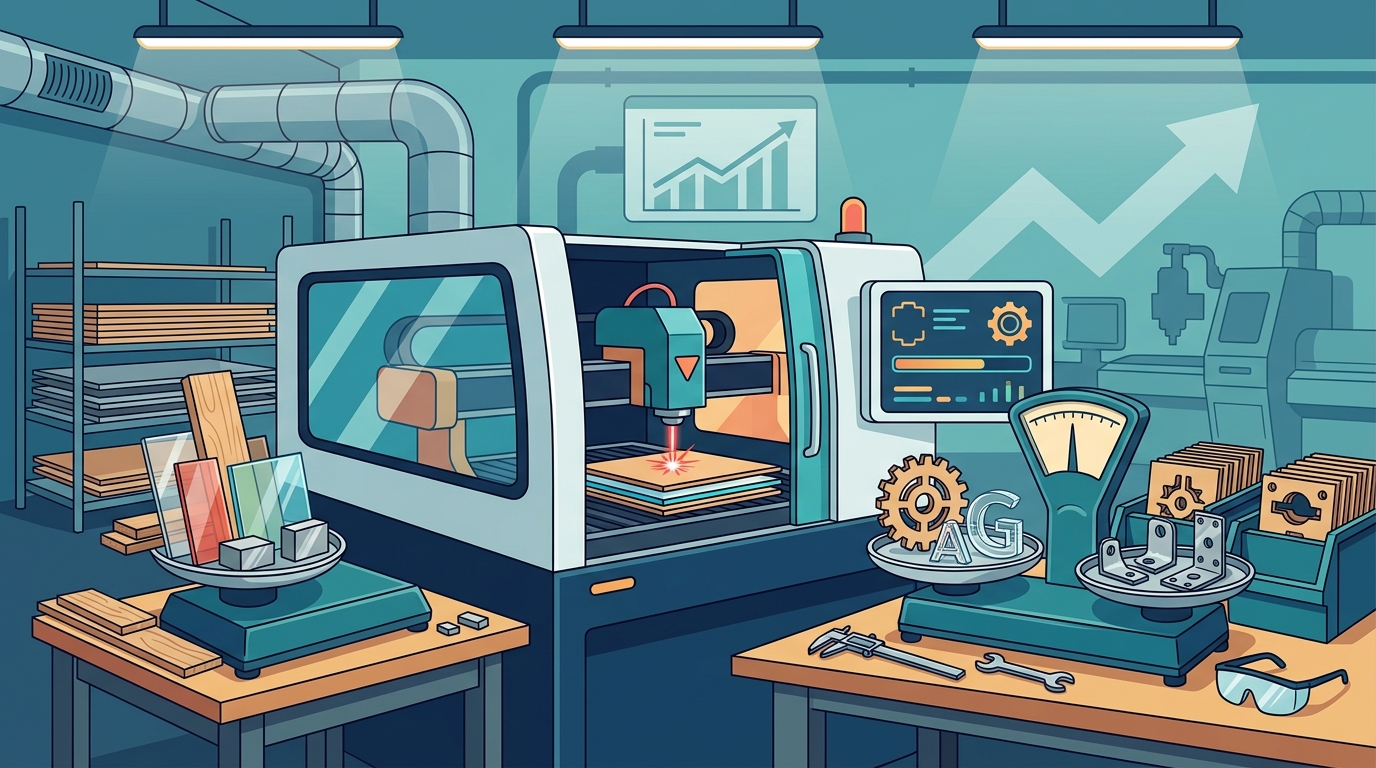
Top Machine Recommendations
Selecting the right machine depends on your budget, space, and material focus. Below are three categories of machines that are highly regarded for beginners.
1. The EcoFlex: Economical Large Format Entry
The EcoFlex is designed as an economical large format laser cutter and engraver. It is an excellent starting point for beginners who need to work with larger sheets of material without breaking the bank. Its straightforward interface allows users to focus on design rather than complex machine calibration. For more details on this model, visit the Kern Lasers main page.
2. The OptiFlex: The Popular Choice
The OptiFlex is widely recognized as the most popular CO2 laser cutter and engraver in its class. It offers a robust build quality and a generous working area, making it suitable for both hobbyists and small business owners. The machine includes a 3-year warranty on the CO2 laser tube, providing peace of mind for new operators. You can explore the laser cutting capabilities of the OptiFlex in detail.
3. The LaserCell: Safety Enclosed Performance
For beginners who prioritize safety above all else, the LaserCell offers high performance with a fully enclosed safety housing. This enclosure prevents light leakage and contains any potential sparks or smoke. It is ideal for workshop environments where other personnel are present. Learn more about the applications and materials suitable for the LaserCell.
Software and Workflow Integration
Hardware is only half the equation. The software you use to control the laser is equally important. Beginners should look for software that offers a gentle learning curve but scales with their skills.
KCAM Laser Software
Kern Lasers utilizes KCAM laser software, which is designed to be user-friendly yet powerful. It allows for direct import of vector files, automatic nesting to minimize material waste, and precise control over power and speed settings. Familiarizing yourself with KCAM software early on will significantly reduce the time spent on trial and error.
File Formats and Preparation
Most laser cutters require vector files, such as DXF, AI, or SVG formats. Beginners should master basic vector editing in programs like Adobe Illustrator or Inkscape (a free alternative). Understanding the difference between cut lines and engrave lines is crucial. Typically, cut lines are set to a specific color (often red) and a single pixel width, while engrave areas are filled with patterns or halftones.
Material Selection Guide
Understanding materials is key to successful laser cutting. Different materials react differently to heat and laser intensity.
| Material | Best Laser Type | Beginner Difficulty | Key Consideration |
|---|---|---|---|
| Acrylic | CO2 | Low | Produces a polished edge when cut correctly. |
| Wood | CO2 | Medium | Varies by density; plywood can delaminate. |
| Metals | Fiber | High | Requires high power and proper gas assist. |
| Leather | CO2 | Low | Can produce toxic fumes; ensure ventilation. |
For a comprehensive list of compatible materials, review the applications and materials guide provided by Kern Lasers.
Key Takeaways
- CO2 vs. Fiber: CO2 lasers are versatile for non-metals, while fiber lasers are specialized for metals.
- Safety is Paramount: Always use protective eyewear and ensure proper ventilation to remove toxic fumes.
- Software Matters: Mastering KCAM software is essential for efficient workflow and precise cuts.
- Start Small: Machines like the EcoFlex or OptiFlex offer a balance of cost and capability for beginners.
- Material Knowledge: Test scrap pieces before committing to expensive materials to dial in power and speed settings.
- Warranty Support: Look for manufacturers that offer robust warranties, such as the 3-year warranty on CO2 tubes.
- Community Learning: Engage with online forums and technical blogs to stay updated on best practices.
Frequently Asked Questions
What is the best laser cutter for a complete beginner?
The best laser cutter for a complete beginner is typically a CO2 laser with a moderate working area, such as the OptiFlex or EcoFlex. These machines offer a good balance of ease of use, material versatility, and cost.
Do I need a special room for a laser cutter?
Yes, you need a well-ventilated space. Laser cutting produces smoke and fumes that can be harmful if inhaled. An exhaust system that vents outside or a high-quality air filtration unit is mandatory for safe operation.
Can I cut metal with a CO2 laser?
No, standard CO2 lasers cannot cut bare metal. They can only mark certain metals or cut thin metals if they are coated with a laser-reactive spray. For cutting metal, you need a fiber laser.
What software do I need to start?
You need vector design software (like Illustrator or Inkscape) to create your designs and machine control software (like KCAM) to send the instructions to the laser. Many beginners start with free software like Inkscape.
How much does a beginner laser cutter cost?
Prices vary widely. Entry-level desktop lasers can start around $1,000, while professional large-format systems like those from Kern Lasers range from $10,000 to $50,000+ depending on the model and specifications.
Is laser cutting dangerous?
Laser cutting can be dangerous if safety protocols are ignored. The primary risks are eye damage from the beam and fire hazards. Using enclosed machines, protective eyewear, and fire suppression systems mitigates these risks significantly.
What materials should I avoid cutting?
Avoid cutting PVC, vinyl, or any material containing chlorine. These materials release chlorine gas when laser-cut, which is toxic to humans and corrosive to the machine itself. Always check material safety data sheets before cutting.
Start Your Journey
Choosing the right laser cutting machine is the first step toward mastering modern manufacturing. By understanding the differences between CO2 and fiber technologies, prioritizing safety, and selecting a machine that fits your budget and material needs, you can begin your journey with confidence. Kern Lasers offers a range of solutions designed to support manufacturers at every stage of their growth.
Ready to find the perfect machine for your needs? Contact our team today to discuss your specific requirements and explore our contact page for a personalized consultation. Visit our home page to browse our full catalog of laser systems.