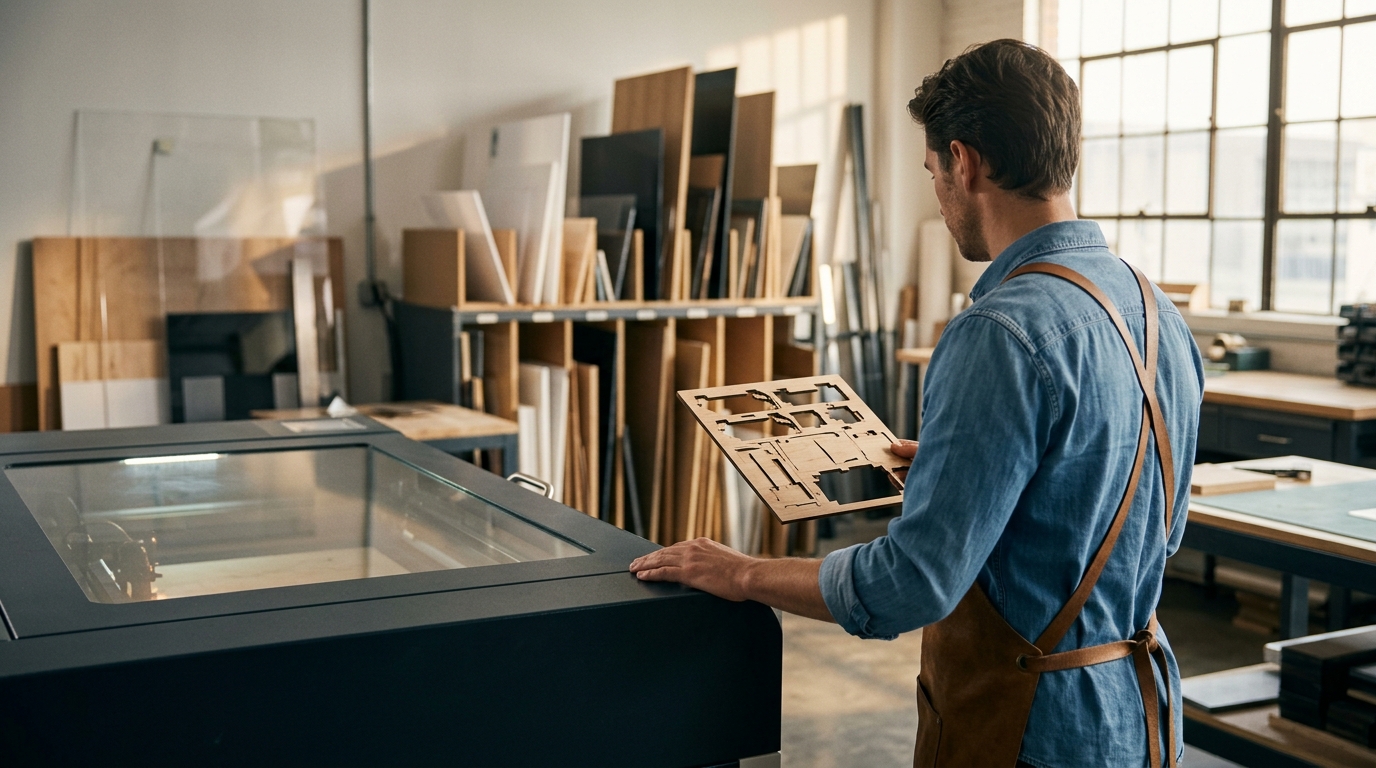
Entering the world of industrial manufacturing with laser technology can feel overwhelming. According to recent industry analyses, the global laser cutting market is projected to grow significantly through 2030, driven by demand for precision and speed in small to mid-sized production facilities. For beginners, selecting the right equipment is not just about budget; it is about finding a system that balances power, safety, and ease of use. This guide explores the top laser cutting machines for beginners, focusing on versatile CO2 and fiber systems that offer the best learning curve and return on investment.
Understanding Laser Types for Beginners
Before investing in hardware, it is crucial to understand the two primary categories of laser cutters available for manufacturing: CO2 lasers and fiber lasers. Each has distinct advantages depending on the materials you plan to process.
CO2 Lasers are gas-based systems that excel at cutting non-metals. They are the industry standard for processing acrylic, wood, leather, and foam. For a beginner, a CO2 laser offers a forgiving learning curve because the beam is visible and the materials are easier to source. Kern Laser Systems has been a leader in this space since 1982, providing robust CO2 solutions like the OptiFlex and EcoFlex series.
Fiber Lasers use a solid-state laser source to cut metals. They are faster and more energy-efficient than CO2 lasers when working with steel, aluminum, brass, and copper. However, they require stricter safety protocols due to the higher power density and the nature of metal reflection. For beginners interested in metal fabrication, the FiberCELL series offers a compact, enclosed design that enhances safety.
Top Machine Recommendations
Choosing the "best" machine depends on your specific manufacturing goals. Below are the top recommendations for beginners, drawn from Kern Laser Systems' extensive product line.
1. The EcoFlex: The Entry-Level Powerhouse
The EcoFlex is designed specifically for those new to large-format laser cutting. It is an economical large format laser engraving and cutting system that does not compromise on performance. This machine is ideal for workshops that need to process acrylic, wood, and textiles without the high cost of industrial-grade fiber systems. Its open-frame design allows for easy maintenance and learning, making it a favorite for educational institutions and small businesses.
For more details on this entry-level system, visit the EcoFlex product page.
2. The OptiFlex: The Versatile Standard
As Kern's most popular CO2 laser cutter and engraver, the OptiFlex is the go-to choice for beginners who want a machine that can grow with them. It features a large format bed, allowing for the processing of full sheets of material. The OptiFlex is capable of high-speed engraving and precise cutting of metal, acrylic, wood, and foam. Its versatility makes it suitable for a wide range of applications, from commercial signage to custom awards.
Learn more about the OptiFlex capabilities and how it can fit your production needs.
3. The LaserCELL: Safety-First Learning
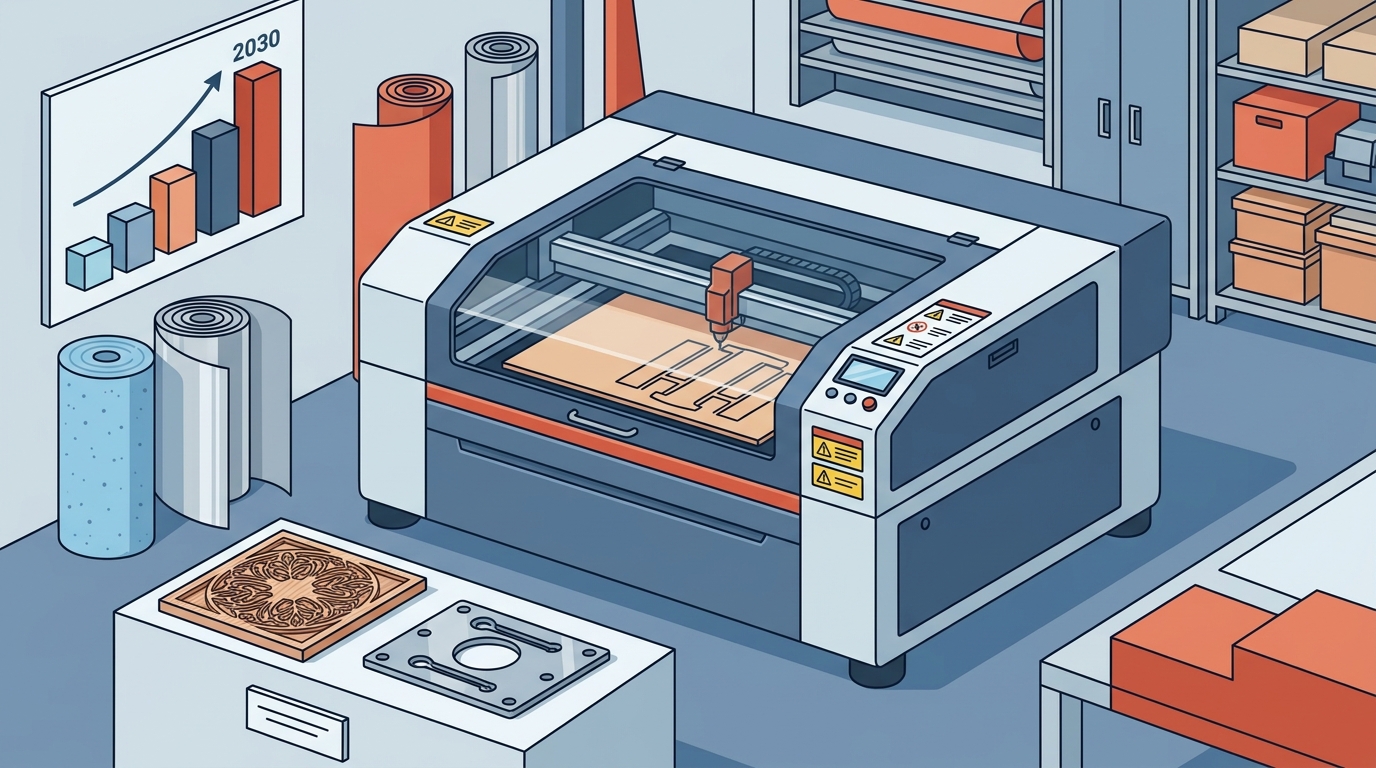
Safety is a primary concern for beginners. The LaserCELL is a complete laser engraving and cutting machine featuring a fully enclosed Class 2 safety design. This enclosure allows the machine to be placed in high-traffic areas, such as busy factory floors or university classrooms, without posing a risk to operators. It is an amazing acrylic cutting laser setup that provides peace of mind while you master the controls.
Explore the LaserCELL safety features and technical specifications.
4. The FiberCELL: Compact Metal Cutting
For beginners focused on metal fabrication, the FiberCELL is a compact sheet metal cutting laser. It can cut stainless steel, mild steel, aluminum, brass, and copper. Like the LaserCELL, it features a Class 2 safety enclosure, making it suitable for environments where space and safety are paramount. This machine is perfect for small-scale metal part production.
Discover the FiberCELL metal cutting advantages.
Key Features to Look For
When evaluating laser cutting machines for beginners, prioritize these critical features:
- Safety Enclosures: Ensure the machine has a Class 2 or higher safety rating. This protects operators from laser radiation and flying debris.
- Software Compatibility: Look for machines that come with user-friendly software like KCAM Laser Software. This software simplifies the process of converting designs into laser paths.
- Warranty and Support: A strong warranty, such as the 3-year warranty on CO2 laser sources offered by Kern, indicates manufacturer confidence and provides long-term value.
- Material Versatility: A machine that can handle multiple materials (e.g., wood, acrylic, and light metals) offers greater flexibility for a beginner exploring different markets.
Safety and Software Considerations
Laser cutting involves high-energy beams that require strict adherence to safety protocols. Laser Safety is not just a regulatory requirement; it is a fundamental aspect of responsible manufacturing. Kern Laser Systems integrates advanced safety features into all its machines, including emergency stop buttons, interlock switches, and ventilation systems.
Software is the bridge between your design and the physical cut. The KCAM Laser Software is designed to streamline this process. It allows users to import vector graphics, adjust power and speed settings, and preview the cut path before execution. For beginners, mastering this software is as important as mastering the hardware.
Getting Started with Your First Cut
Starting your journey with a laser cutter requires patience and practice. Here is a step-by-step approach to your first manufacturing project:
- Choose Your Material: Start with a forgiving material like acrylic or thin wood. These materials cut cleanly and provide immediate visual feedback.
- Design Your Project: Use vector design software to create your artwork. Ensure all lines are closed and paths are distinct.
- Calibrate the Machine: Focus the laser beam precisely on the material surface. Incorrect focus can lead to poor cut quality or damage to the lens.
- Run a Test Cut: Always perform a test cut on a scrap piece of the same material. Adjust power and speed settings based on the results.
- Monitor the Process: Never leave the machine unattended during the first few runs. Watch for any signs of smoke buildup or material shifting.
For hands-on experience, consider visiting a facility to test your material and see the precision of Kern lasers in action.
Key Takeaways
- CO2 vs. Fiber: CO2 lasers are best for non-metals (acrylic, wood), while fiber lasers are superior for metals.
- EcoFlex for Budget: The EcoFlex is the most economical entry-level large format laser engraving and cutting system.
- OptiFlex for Versatility: The OptiFlex is Kern's most popular machine, ideal for processing metal, acrylic, wood, and textiles.
- Safety First: Machines like the LaserCELL and FiberCELL offer Class 2 safety enclosures for high-traffic environments.
- Software Matters: KCAM Laser Software simplifies the workflow for beginners, reducing the learning curve.
- US Manufacturing: Kern Laser Systems is proudly manufactured in the USA, ensuring high quality and support.
- Long-Term Support: Kern offers a 3-year warranty on CO2 laser sources, providing long-term peace of mind.
Frequently Asked Questions
What is the best laser cutting machine for a small business?
The OptiFlex is often considered the best all-around machine for small businesses due to its versatility in cutting both non-metals and light metals. It offers a large format bed and high-speed engraving capabilities.
Are laser cutting machines safe for beginners?
Yes, provided you use machines with proper safety enclosures. Models like the LaserCELL and FiberCELL are designed with Class 2 safety features, making them suitable for educational and small workshop environments.
What materials can a CO2 laser cut?
A CO2 laser can cut a wide variety of non-metallic materials, including acrylic, wood, leather, foam, fabric, and paper. It can also engrave coated metals.
How does fiber laser cutting differ from CO2?
Fiber laser cutting uses a solid-state laser source to cut metals with high speed and precision. It is more energy-efficient than CO2 lasers for metal applications but cannot cut non-metals as effectively.
Does Kern Laser Systems offer technical support?
Yes, Kern provides comprehensive technical support and customer service. You can access resources through their Technical Support page or contact them directly.
What is the warranty on Kern laser systems?
Kern offers a 3-year warranty on CO2 laser sources. This warranty covers the laser tube, ensuring long-term reliability for your manufacturing operations.
Can I test materials before buying?
Absolutely. Kern Laser Systems encourages customers to test their material to see the precision and quality of the cuts firsthand.
Contact Us
Ready to start your manufacturing journey? Whether you need an entry-level EcoFlex or a versatile OptiFlex, Kern Laser Systems is here to help. Contact our team today to discuss your specific needs and receive a personalized quote.
Contact Kern Laser Systems to schedule a consultation or request a demo.