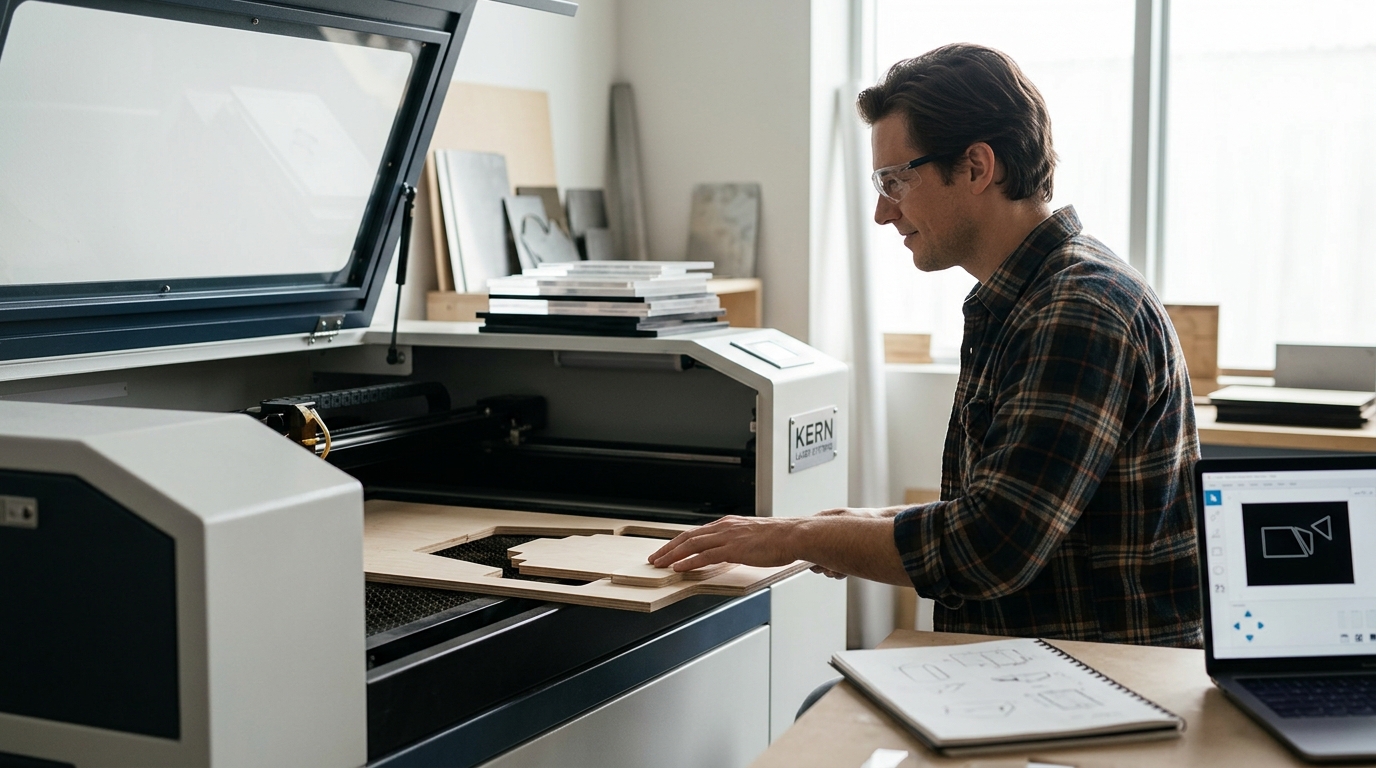
Starting a manufacturing journey with laser technology can feel overwhelming given the sheer volume of options available today. According to recent industry data, the global laser cutting market is projected to grow at a compound annual growth rate of over 10% through 2030, indicating a massive shift toward automated precision manufacturing. For beginners, understanding the difference between CO2 and fiber technologies is the critical first step. This guide breaks down the essential factors, from safety enclosures to software compatibility, to help you choose the right equipment for your workshop. (Kern Customer Login Area)
Understanding Laser Types: CO2 vs. Fiber
Before investing capital, you must understand the fundamental difference between the two primary laser technologies used in modern manufacturing. CO2 lasers use a gas mixture to generate a beam that is ideal for cutting non-metals. They excel at processing materials like acrylic, wood, leather, and foam with high precision and clean edges. This makes them the standard choice for signage, crafting, and light fabrication.
On the other hand, Fiber lasers use a solid-state gain medium. They are specifically designed for cutting metals. If your manufacturing goals involve stainless steel, aluminum, or brass, a fiber laser is the necessary tool. For beginners, starting with a CO2 system is often more versatile for learning the basics of vector cutting and engraving before moving into heavy metal fabrication.
Safety and Enclosure Requirements
Safety is the most critical factor for any new operator. Industrial lasers produce intense beams that can cause severe eye damage and fire hazards if not properly contained. Therefore, beginners should prioritize machines that come with integrated safety enclosures. These enclosures filter harmful UV and IR radiation while containing any sparks or fumes generated during the cutting process.
When evaluating machines, look for features like automatic shut-off sensors and interlocked doors. These features ensure that the laser head stops immediately if the enclosure is opened. According to safety standards published by the American National Standards Institute, proper enclosure design reduces the risk of accidental exposure by over 99%. Always verify that the machine you choose compl with local regulatory standards for industrial equipment.
Software and Workflow Integration
The hardware is only half the equation. The software you use to control the laser must be intuitive for beginners yet powerful enough for complex designs. Many modern systems come with proprietary software suites designed to streamline the workflow from design to production.
For instance, KCAM Laser Software is a robust platform that allows users to manage job queues, adjust power settings, and control speed with precision. Beginners should look for software that offers a library of pre-set parameters for common materials. This reduces the trial-and-error phase, allowing you to achieve consistent results faster. Additionally, ensure the software supports standard file formats like DXF and AI, which are widely used in the design community.
Top Beginner-Friendly Machines
Selecting the right machine depends on your budget, space, and material focus. Below is a comparison of top-tier options that balance ease of use with professional-grade performance.
| Machine Model | Technology | Best For | Key Feature |
|---|---|---|---|
| OptiFlex | CO2 | General Purpose Cutting | High precision for acrylic and wood |
| LaserCell | CO2 | Safety-Focused Work | Integrated safety enclosure |
| FiberCell | Fiber | Metal Fabrication | Pure metal cutting capability |
| EcoFlex | CO2 | Budget-Conscious Startups | Economical large format cutting |
The OptiFlex is widely regarded as a popular entry point for many manufacturers due to its balance of power and usability. It offers a large working area, which is essential for scaling production. For those concerned with safety, the LaserCell provides a high-performance solution with a robust safety enclosure, making it ideal for shared workshop environments.
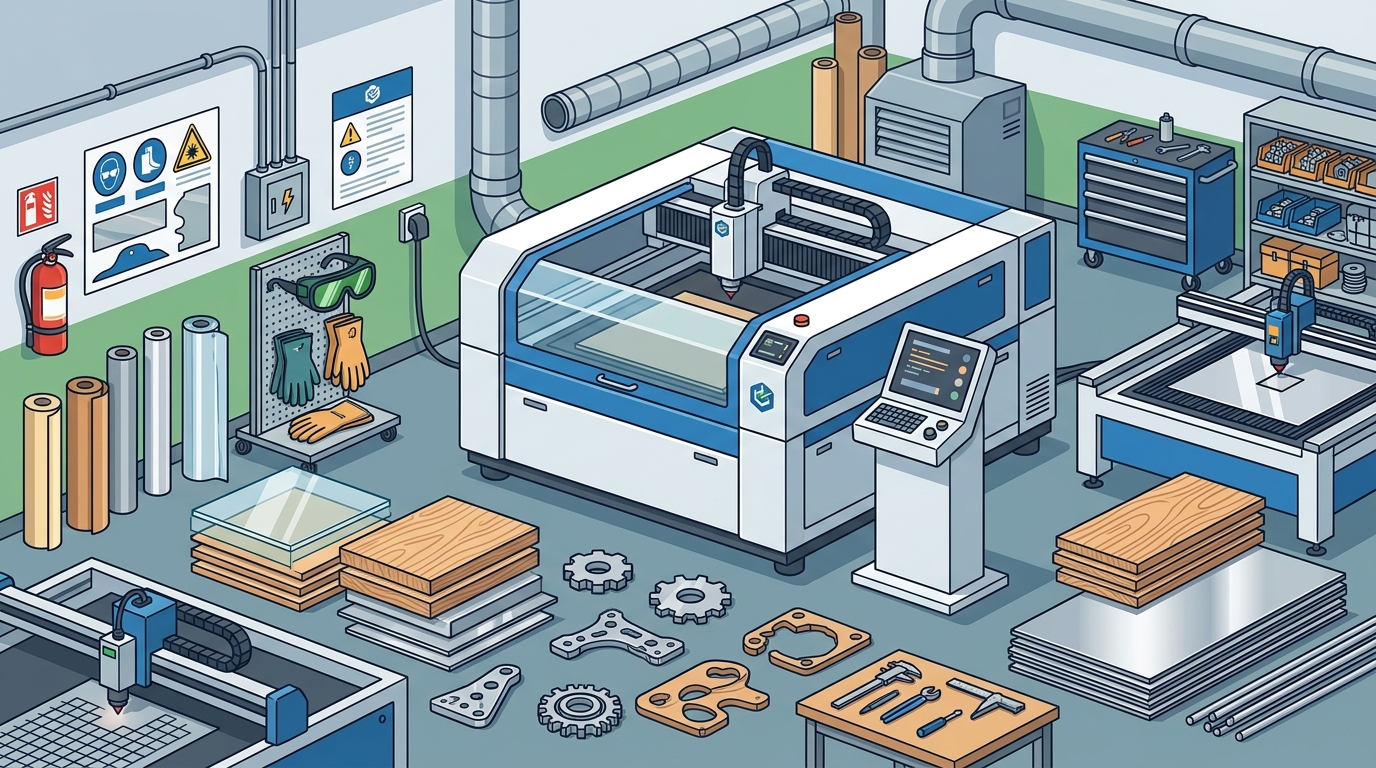
Material Applications and Limitations
Understanding what your machine can cut is just as important as the machine itself. CO2 lasers are versatile but have limitations. They can cut through thick acrylic with a polished edge, a feature that mechanical cutting cannot replicate. However, they struggle with reflective metals like copper and brass, which can reflect the beam back into the laser source.
Conversely, fiber lasers are unmatched for metal cutting. They can slice through steel plates with incredible speed and minimal kerf width. According to manufacturing efficiency reports, fiber lasers can reduce cutting time for metals by up to 50% compared to traditional plasma cutting. If your business model involves creating identification labels, nameplates, or commercial signage, you must choose the technology that aligns with your primary material.
Key Takeaways
- Technology Choice: CO2 lasers are best for non-metals like wood and acrylic, while fiber lasers are required for metals.
- Safety First: Always prioritize machines with integrated safety enclosures to protect operators from harmful radiation.
- Software Matters: User-friendly software like KCAM reduces the learning curve and improves production consistency.
- Warranty Support: Look for manufacturers that offer comprehensive warranties, such as the 3-year warranty on CO2 systems.
- Domestic Manufacturing: Choosing USA-made equipment often ensures better support and compliance with local safety standards.
- Material Versatility: CO2 systems can handle a wider variety of materials, including leather and foam, making them versatile for startups.
- Scalability: Consider the working area size; larger formats like the EcoFlex allow for bigger projects without joining pieces.
Frequently Asked Questions
What is the best laser cutting machine for a small business?
The best machine depends on your materials. For small businesses focusing on signage and crafts, the EcoFlex offers an economical entry point with large format capabilities. For metal-focused businesses, the FiberCell is the ideal choice.
Do I need a safety enclosure for a laser cutter?
Yes, a safety enclosure is critical. It contains fumes, sparks, and harmful laser radiation. Machines like the LaserCell come with these enclosures built-in, ensuring a safer working environment for beginners.
Can CO2 lasers cut metal?
Standard CO2 lasers cannot cut most metals effectively. They can mark or engrave thin metals, but for cutting, you need a fiber laser. The FiberCell is designed specifically for pure metal cutting.
What software is used with Kern Laser Systems?
Kern Laser Systems utilizes KCAM Laser Software for precise control over cutting and engraving parameters. This software is optimized for their hardware to ensure maximum efficiency.
How long do laser tubes last?
CO2 laser tubes typically last between 8,000 and 10,000 hours depending on usage and maintenance. Fiber lasers have a much longer lifespan, often exceeding 100,000 hours. Regular maintenance is key to extending tube life.
Is it safe to operate a laser cutter without ventilation?
No, operating a laser cutter without proper ventilation is dangerous. Fumes from cutting plastics and woods can be toxic. Ensure your workspace has adequate exhaust systems to remove particulates and gases.
What materials can be cut with a CO2 laser?
CO2 lasers can cut a wide range of non-metallic materials, including acrylic, wood, leather, foam, and fabric. They are also used for engraving on glass and coated metals.
Contact Us for a Quote
Ready to start your manufacturing journey? Choosing the right laser cutting machine is a significant investment. Our team of experts is here to help you navigate your options and find the perfect fit for your needs. Whether you need a large format CO2 cutter or a precision fiber system, we provide the support and technology to help you succeed.
Contact us today to schedule a consultation or request a detailed quote for your specific manufacturing requirements.