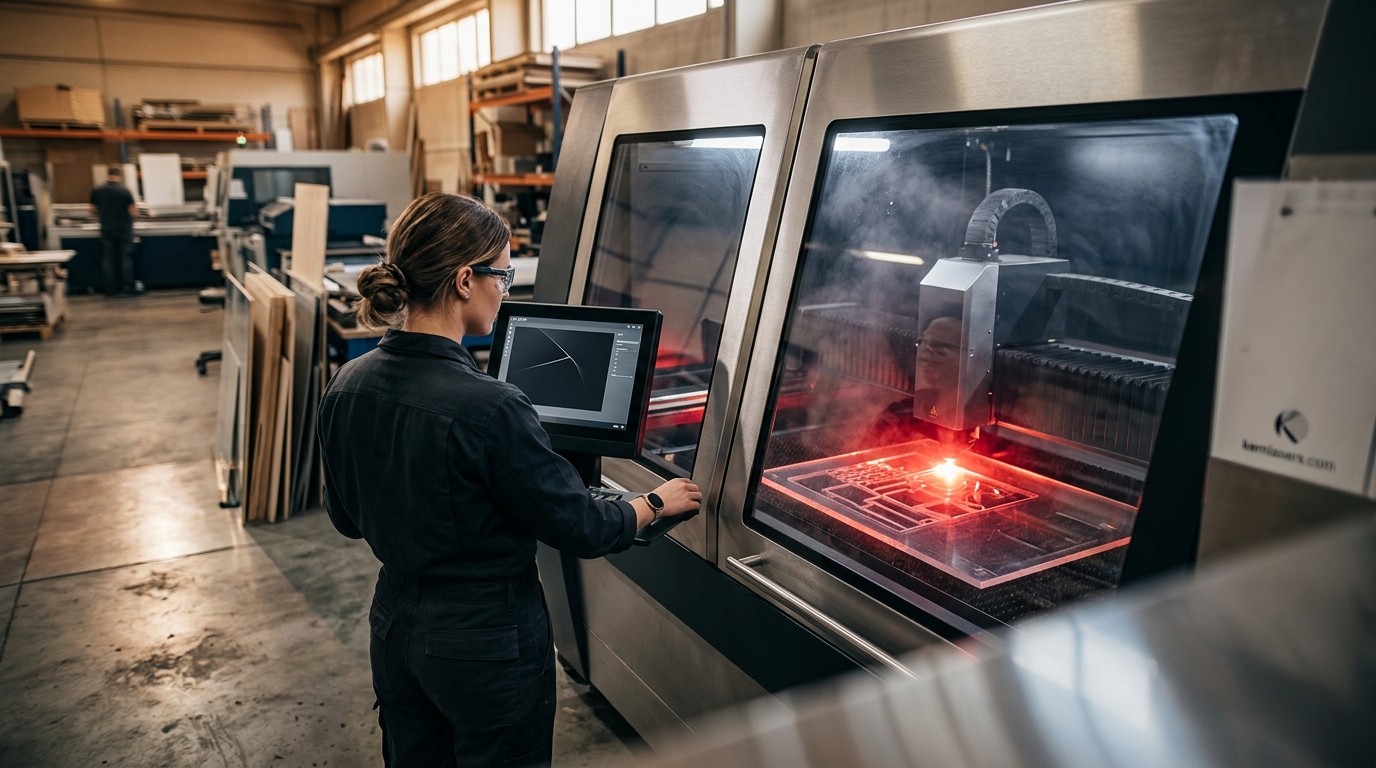
Choosing your first laser cutting machine for a manufacturing environment can feel overwhelming. With the global laser cutting machine market valued at over $7 billion in 2025 and projected to grow at a 12% CAGR through 2034, according to Fortune Business Insights, there has never been a better time to invest. But beginners need machines that balance ease of use, safety, material versatility, and long-term production value. This guide breaks down everything a first-time buyer in manufacturing needs to know before purchasing a laser cutter.
What Is Laser Cutting and How Does It Work?
Laser cutting is a manufacturing process that uses a focused beam of light to melt, vaporize, or burn through material with extreme precision. A laser source generates a high-energy beam that is directed through mirrors to a processing head equipped with a focusing optic. The result is a small point of intense energy capable of cutting intricate shapes from a wide range of substrates.
The entire process is controlled by CNC (Computer Numerical Control) software, which translates digital designs into precise cut paths. CNC software is the computer-driven control system that converts CAD files into physical machine movements. Kern Laser Systems, for instance, developed its own proprietary CAD software called KCAM with integrated precision laser control, giving beginners a streamlined design-to-cut workflow.
CO2 vs. Fiber Lasers: Which Is Right for Beginners?
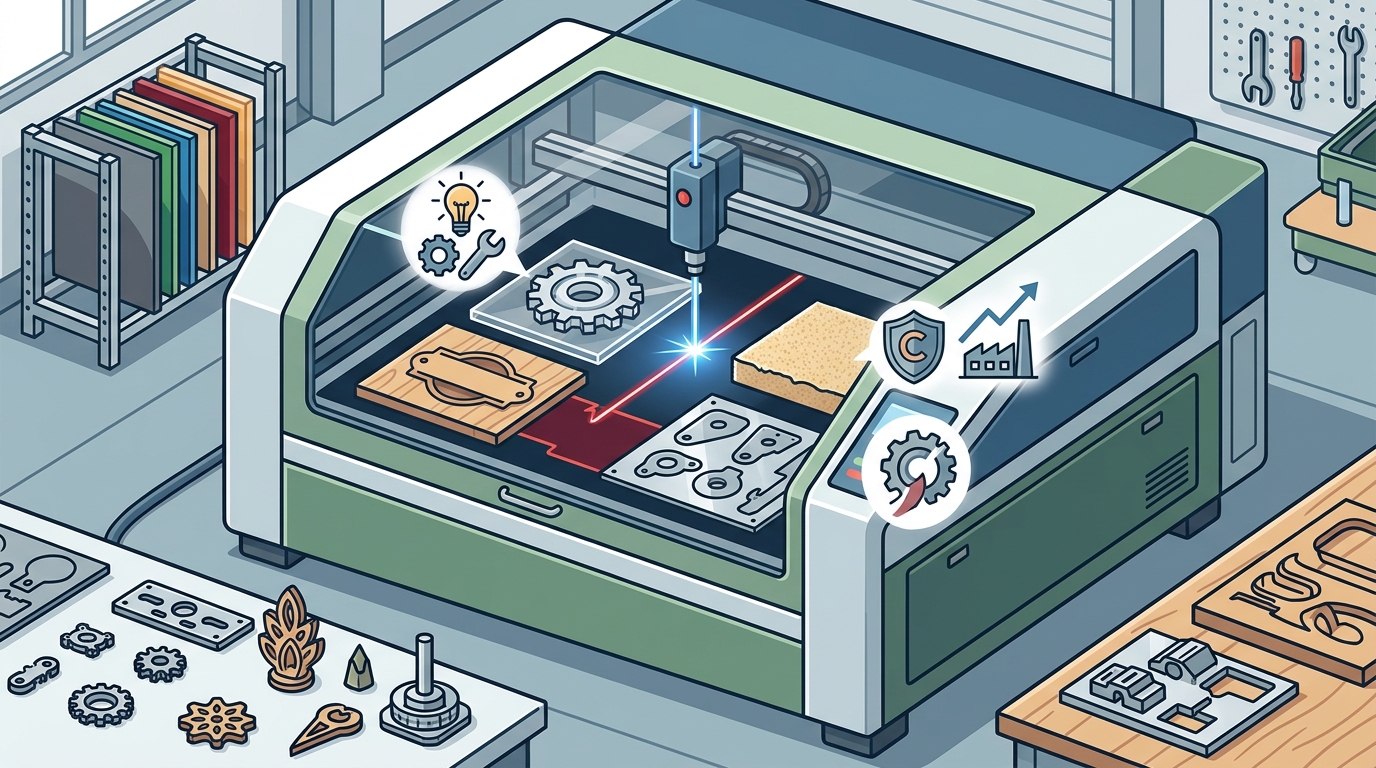
Understanding the two primary laser types is the first decision every beginner faces. A CO2 laser is a gas-based laser source that excels at cutting organic and non-metallic materials such as wood, acrylic, plastics, textiles, and foam. A fiber laser is a solid-state laser that routes light through optical fiber, making it highly efficient at cutting metals like steel, aluminum, and brass.
When to Choose CO2
If your manufacturing operation focuses on signage, packaging, wood products, or acrylic fabrication, a CO2 system is the ideal starting point. CO2 lasers from 100 to 650 watts can handle a broad range of thicknesses and are available across many Kern laser system models.
When to Choose Fiber
If your primary workload is sheet metal fabrication, a fiber laser delivers faster speeds and higher energy efficiency. According to Business Research Insights, fiber laser systems now account for roughly 72% of total industrial laser installations due to their 30% higher energy efficiency compared to CO2 systems.
| Feature | CO2 Laser | Fiber Laser |
|---|---|---|
| Best Materials | Wood, acrylic, plastics, foam, textiles, thin metals | Steel, aluminum, brass, copper, titanium |
| Typical Wattage Range | 100W to 650W | 1kW to 3kW+ |
| Energy Efficiency | Moderate | High (approx. 30% more efficient) |
| Maintenance | Mirror alignment, gas refills | Minimal; no mirrors or gas |
| Ideal Beginner Use | Job shops, sign shops, schools | Metal fabrication, automotive parts |
Key Features to Look for in a Beginner Laser Cutter
Not all laser cutters are created equal. Manufacturing beginners should evaluate machines based on these criteria:
Software and Ease of Use
Proprietary software that integrates CAD design with machine control dramatically reduces the learning curve. Systems like the Kern KCAM platform let operators import designs, set power and speed parameters, and begin cutting without juggling multiple programs.
Table Size and Format
Large format tables (52" x 100" is one of the most popular configurations) allow processing of standard 4' x 8' and 4' x 10' sheet materials. This is critical for production-level work from day one. Explore the OptiFlex large format system for an example of production-ready table sizing.
Expandability
A good beginner machine should grow with your business. Look for systems that accept optional packages such as metal cutting kits, rotary attachments, camera alignment systems, and fume extraction units.
Safety Classifications Every Beginner Should Understand
Laser safety classification is a regulatory rating system that indicates the level of hazard a laser system presents to operators. Beginners in manufacturing environments should pay close attention to these ratings.
Class 2 (enclosed) laser systems, such as the Kern LaserCELL and FiberCELL, feature full safety enclosures. These machines do not require safety glasses under normal operation and can be placed in high-traffic areas like factory floors and classrooms.
Class 4 (open bed) systems like the OptiFlex and EcoFlex offer maximum flexibility and larger work areas but require laser safety glasses, a designated Laser Safety Officer (LSO), and a written safety program. The Laser Institute of America (LIA) offers LSO training for facilities running Class 4 equipment.
Top Laser Cutting Machines for Manufacturing Beginners
Here are standout options from Kern Laser Systems that are well suited for beginners entering manufacturing:
Kern EcoFlex
The EcoFlex is Kern's entry-level large format CO2 laser system. It uses many of the same high-quality components found in Kern's flagship line, including identical laser sources, power supplies, and vacuum blowers, but at an economical price point. It is designed primarily for non-metal cutting applications like wood, acrylic, and foam.
Kern LaserCELL
The LaserCELL is an enclosed, Class 2 CO2 laser cutting and engraving system. Available with laser power from 100W to 650W and table sizes up to 52" x 100", it is the ideal choice for beginners who need a safe, production-capable machine without dedicated laser safety infrastructure.
Kern FiberCELL
For shops focused on sheet metal cutting, the FiberCELL is a compact enclosed fiber laser system. It handles stainless steel, mild steel, aluminum, brass, and copper. Its Class 2 enclosure makes it safe for busy environments.
Materials You Can Process on Day One
One of the biggest advantages of laser cutting for beginners is immediate material versatility. With a CO2 system, you can process wood species like oak, maple, and birch, acrylic sheets, plastics, foam, textiles, and even thin gauge metals. With a fiber system, you can cut mild and carbon steel up to 0.375", stainless steel, aluminum, brass, and titanium.
This versatility means a single machine can serve multiple customer segments and product lines from the first day of operation, which is why laser systems are popular among job shops and product developers alike.
Key Takeaways
- CO2 lasers are ideal for beginners cutting wood, acrylic, plastics, and foam; fiber lasers are best for metal fabrication.
- The global laser cutting machine market exceeded $7 billion in 2025 and is growing at 12% CAGR, making it a strong investment category.
- Class 2 enclosed systems like the LaserCELL and FiberCELL are the safest option for new operators in high-traffic environments.
- Entry-level machines like the Kern EcoFlex use the same core components as flagship models, keeping quality high while reducing cost.
- Integrated CNC software (such as KCAM) shortens the learning curve for manufacturing beginners.
- Large format tables (52" x 100") enable full-sheet processing for production-level output immediately.
- Fiber lasers now represent roughly 72% of industrial laser installations due to superior energy efficiency.
Frequently Asked Questions
What is the best type of laser cutter for a manufacturing beginner?
For most beginners, a CO2 laser is the best starting point because it handles a wide variety of materials including wood, acrylic, and plastics. If your work is metal-focused, a fiber laser like the Kern FiberCELL is the better choice.
How much does a beginner laser cutting machine cost?
Industrial-grade beginner laser cutters typically range from $30,000 to over $100,000 depending on laser power, table size, and features. Entry-level large format CO2 systems like the Kern EcoFlex offer professional capabilities at an economical price.
Do I need special training to operate a laser cutter?
Enclosed Class 2 machines require minimal specialized training. Open bed Class 4 machines require a Laser Safety Officer and written safety protocols. Most manufacturers, including Kern, provide operator training with machine purchases.
What materials can a CO2 laser cut?
CO2 lasers cut wood, acrylic, plastics, foam, textiles, leather, paper, and thin gauge metals. They are the most versatile option for mixed-material manufacturing environments.
What is the difference between Class 2 and Class 4 laser systems?
Class 2 systems feature full safety enclosures and do not require safety glasses during normal use. Class 4 systems have open bed designs offering greater flexibility but require safety glasses, controlled access, and a trained LSO.
Can a beginner laser cutter handle production-level workloads?
Yes. Large format systems with 52" x 100" tables can process full 4' x 8' sheets, and features like multi-zone vacuum tables allow continuous loading and unloading during operation.
Are laser cutters made in the USA?
Yes. Kern Laser Systems has been manufacturing laser cutting and engraving equipment in Wadena, Minnesota since 1982, with thousands of systems installed worldwide.
What software do I need to run a laser cutter?
Most industrial laser cutters include proprietary CNC software. Kern systems ship with KCAM, a proprietary CAD and laser control platform that handles design import, parameter setting, and machine operation in one interface.
Ready to Get Started?
Investing in your first laser cutting machine is a major step toward modernizing your manufacturing operation. Whether you need a versatile CO2 system for mixed materials or a fiber laser for dedicated metal fabrication, Kern Laser Systems offers beginner-friendly machines built for production. Explore the full Kern product lineup or request a free material test to see what a Kern laser can do with your specific substrates.